 Effect
Lens Distortion
No more stacking nodes to fake a lens-glass warp. One click for a smooth, distorted glass look, great for transitions and POV shots.
CHF 3Buy now
Every preset in one download, current and future, delivered instantly.
Every preset is also sold on its own for CHF 3.
Effect
No more stacking nodes to fake a lens-glass warp. One click for a smooth, distorted glass look, great for transitions and POV shots.
 Effect
Skip the keyframing. One click drops in a fast, punchy zoom-in for high-energy edits.
 Effect
Same shortcut, reverse direction. One click for a clean, snappy zoom-out reveal.
 Effect
 Effect
Effect
Effect
Draw focus to your subject without rotoscoping or masking by hand. One click dims everything else, with a simple color wheel to dial in the look.
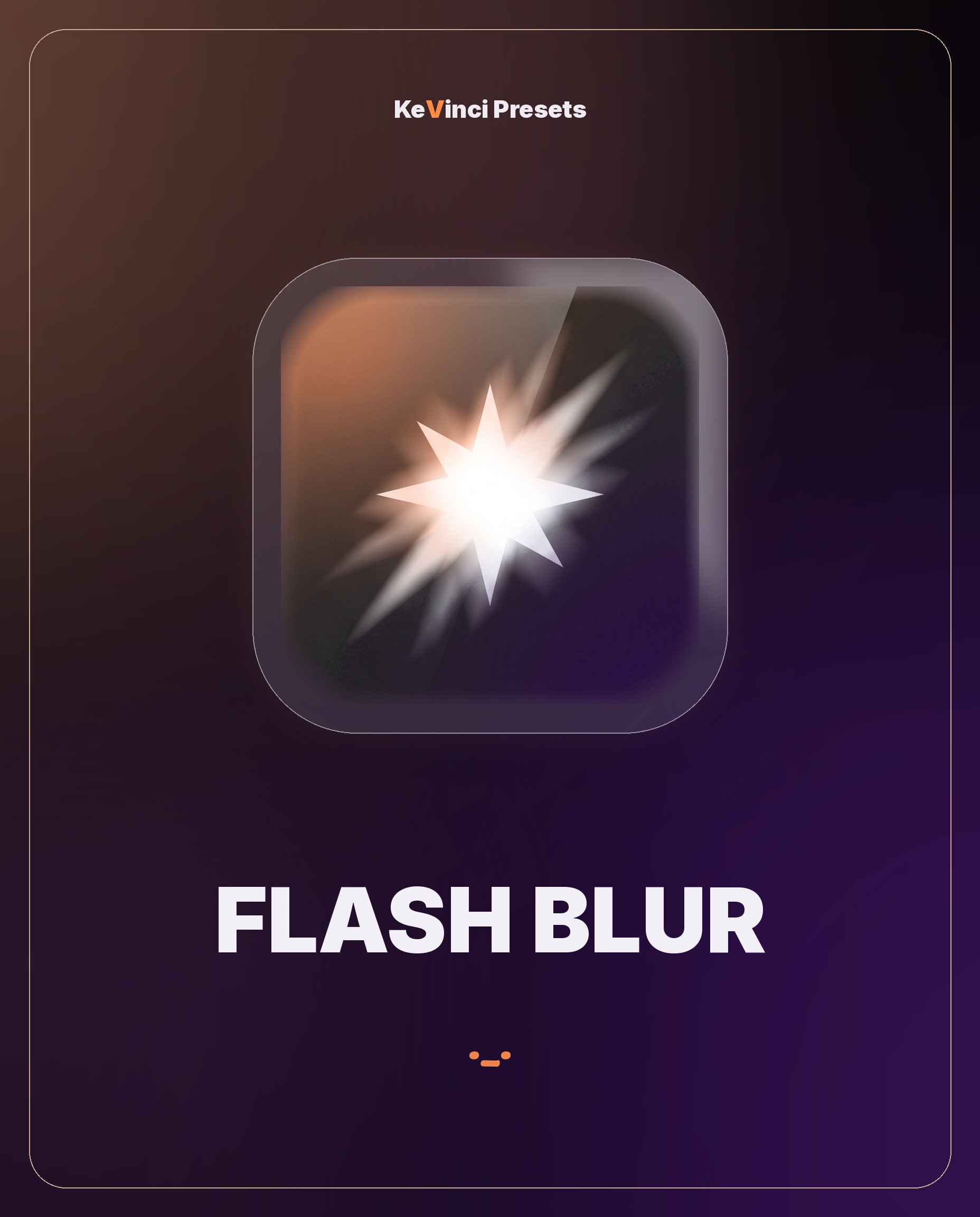 Transition
Cut on the beat without building a flash transition by hand. One click for a bright flash-blur cut.
Transition
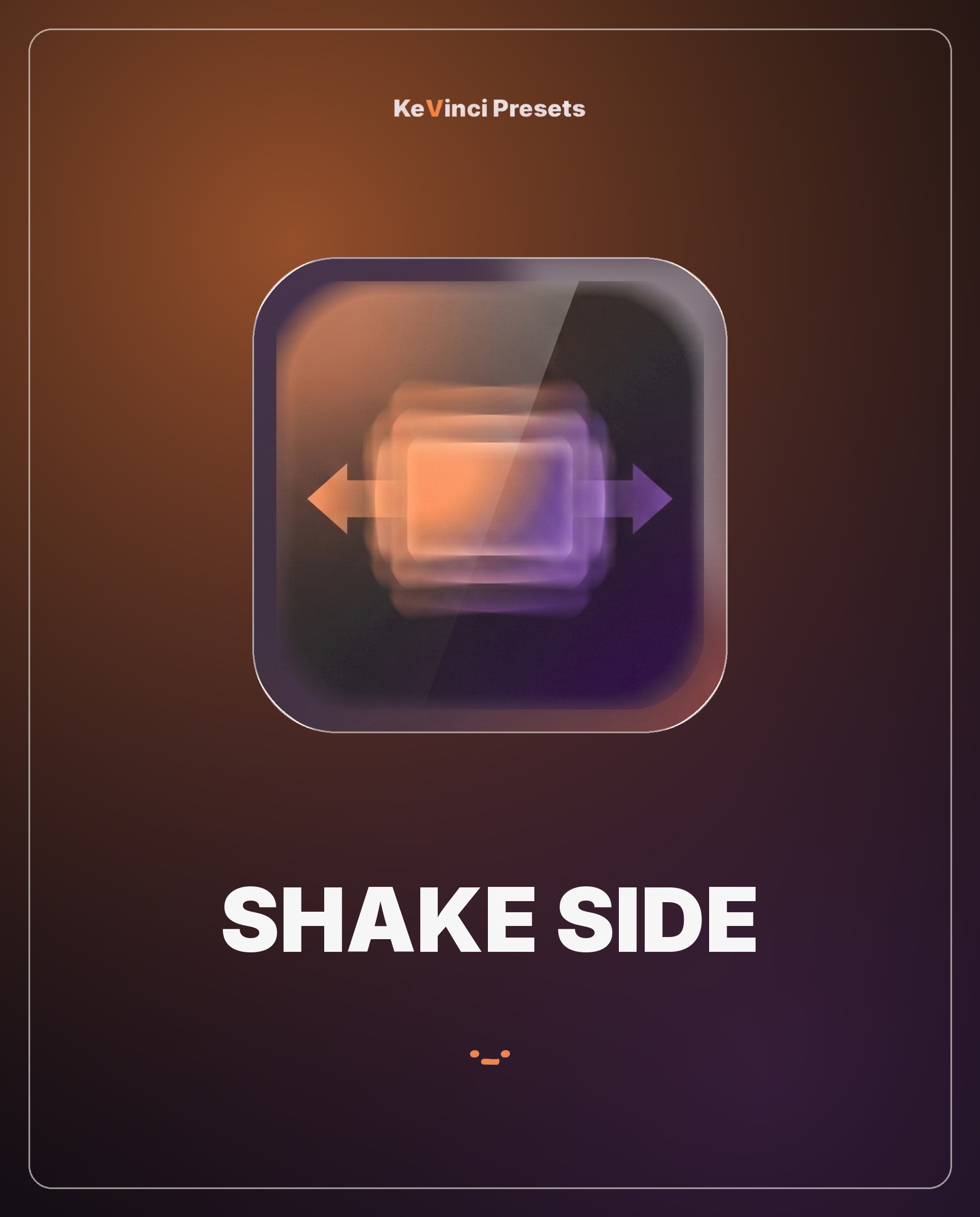 Transition
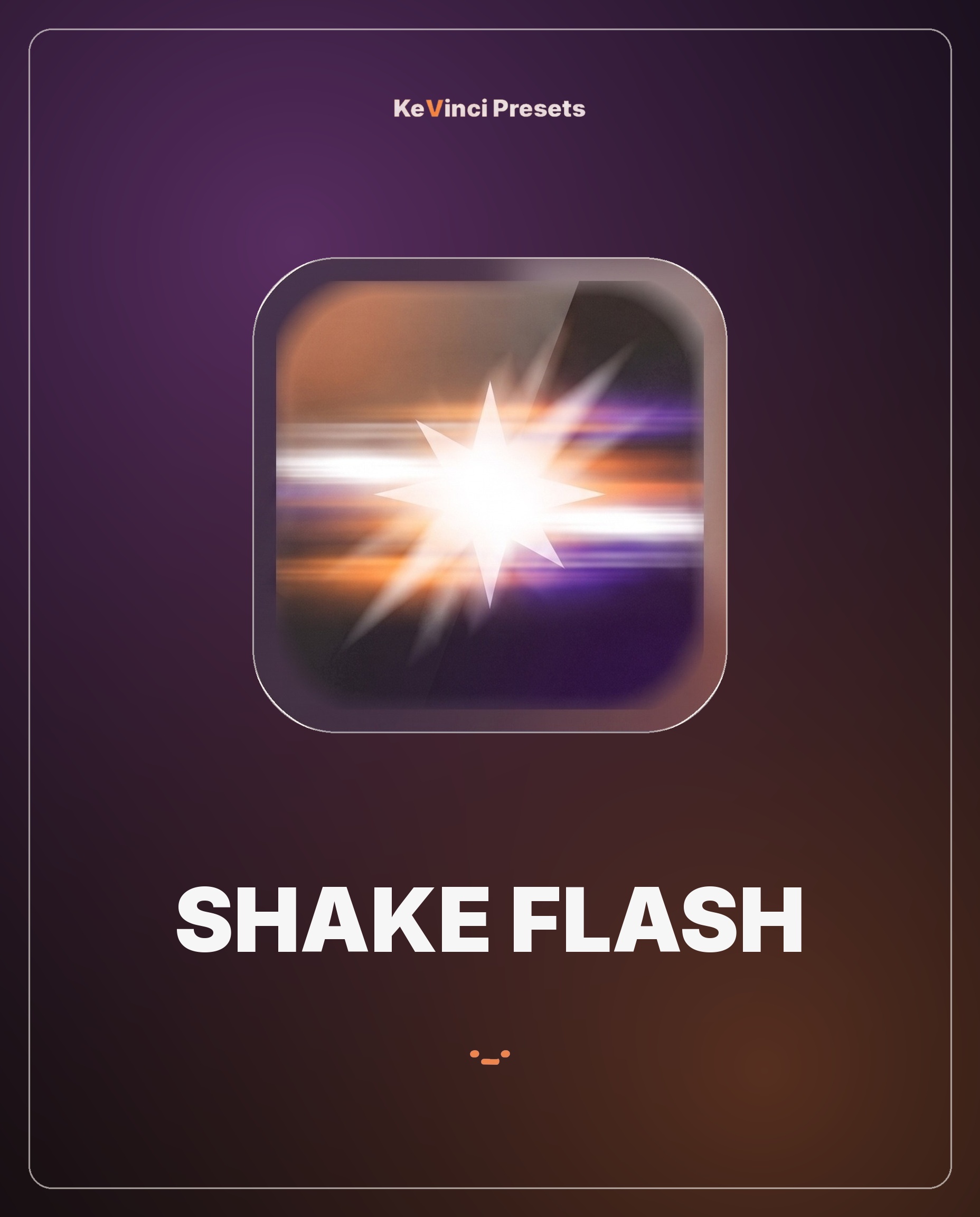 Transition
Combine a camera shake with a flash cut. One click for an energetic shake-and-flash transition.
Checkout instantly and get your download link right away.
Open the .drfx file and it's instantly in your Effects Library.
Drop it on your clip, adjust to taste, done.
Verified reviews from real buyers. Leave yours from any product's download page.
Everything available now, plus a peek at what's coming.
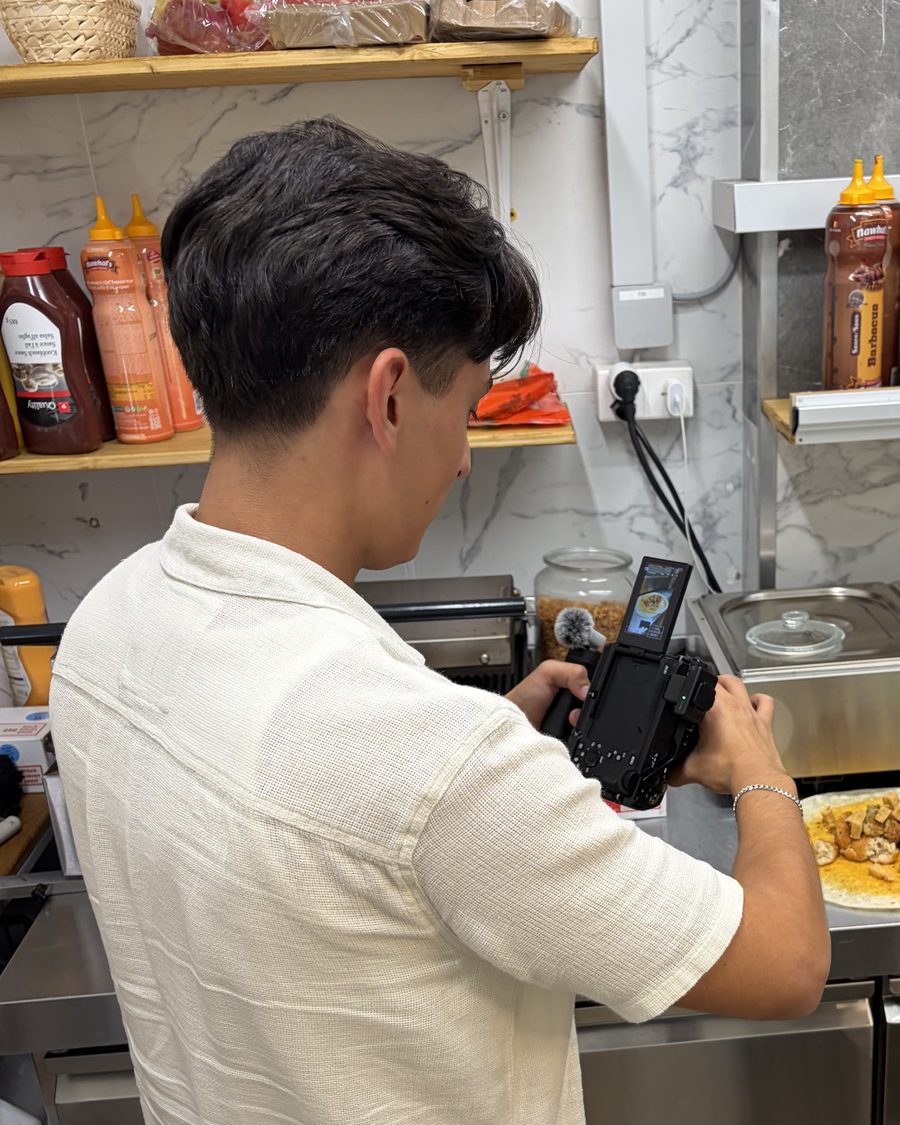
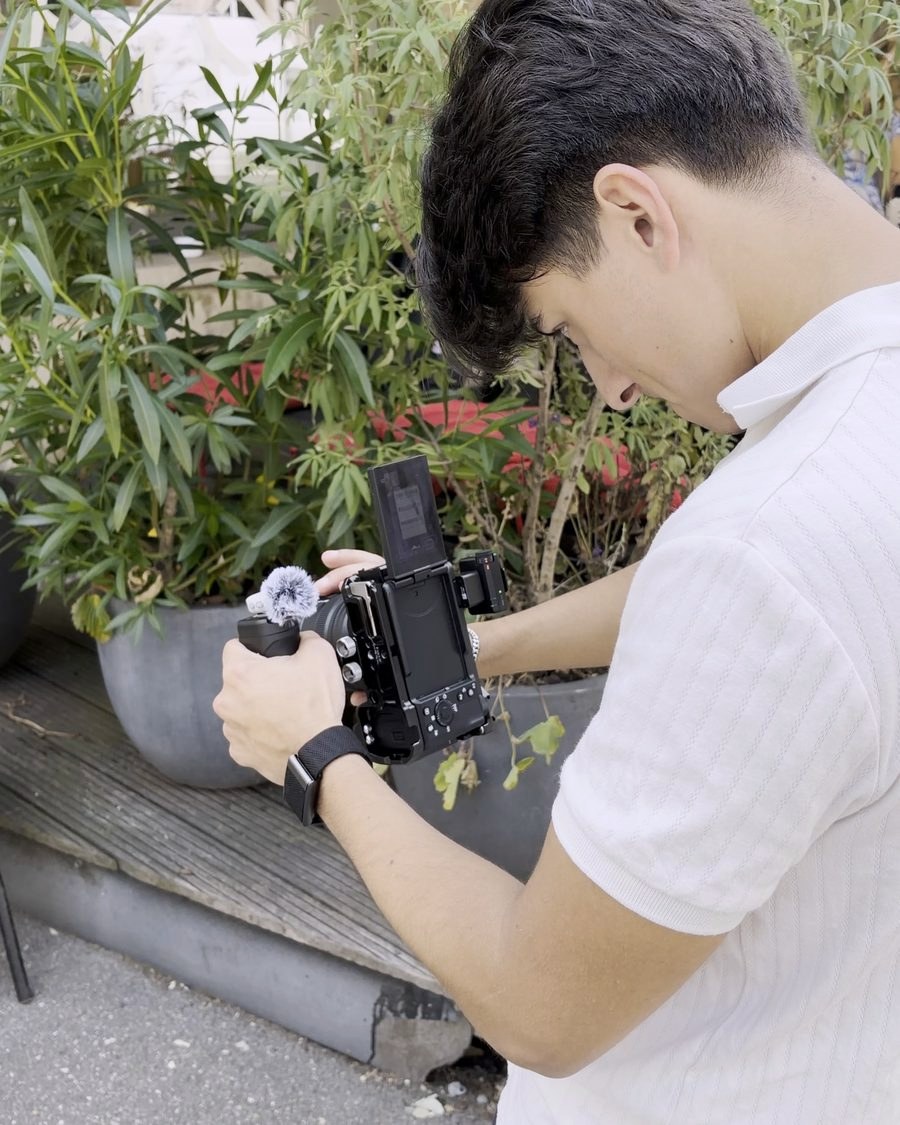
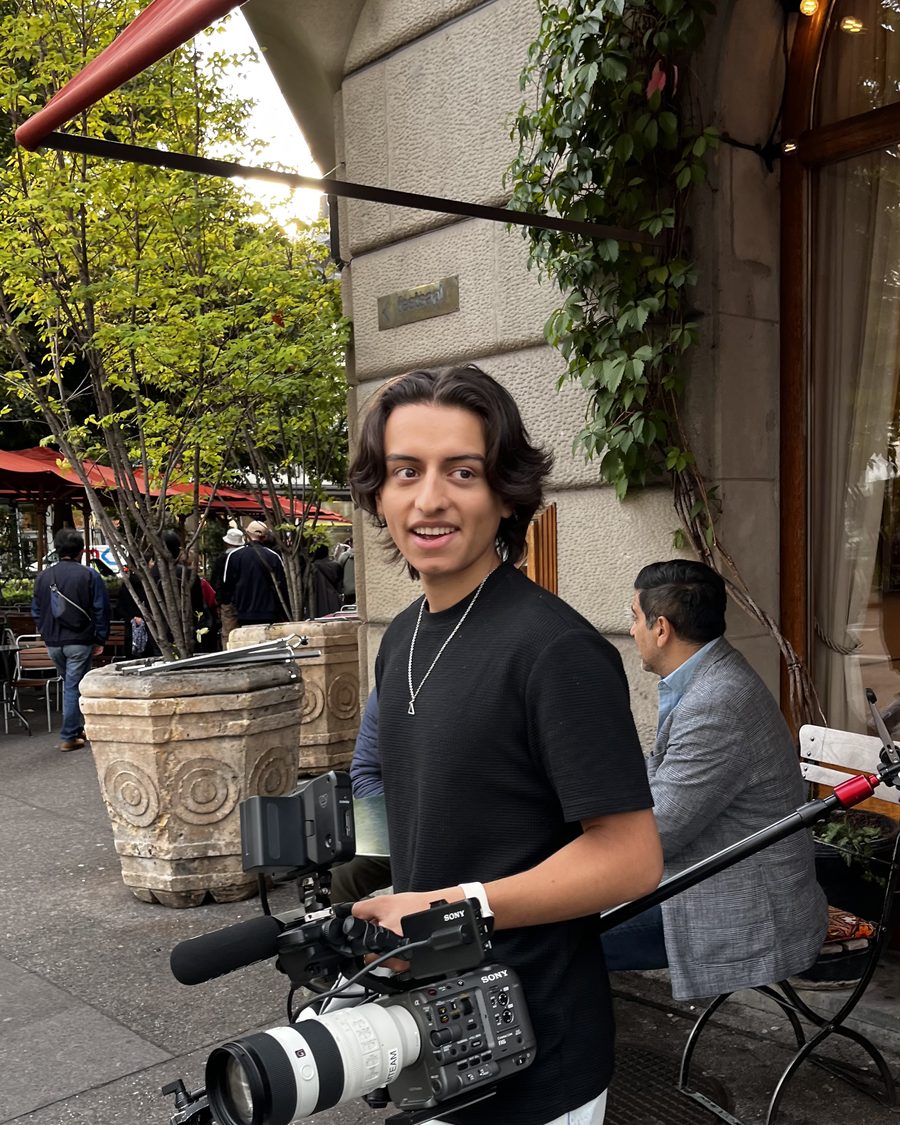
I make DaVinci Resolve tutorials and edit for clients. These are the same presets I use in my own videos, built so you can skip the repetitive keyframing and just edit.
Every preset is native to Resolve: no plugins, nothing extra to install. Drop it in, tweak it, move on.
Join the list for a discount code plus my best DaVinci editing tips.
Unsubscribe any time.DaVinci Resolve, Free or Studio both work. These are native Resolve effect/edit presets, so no extra plugins are required.
Yes. The presets work on both log and standard color profiles.
Yes, you get your download immediately after checkout, plus a copy by email.
Reach out within 14 days if a preset isn't working for you and we'll sort it out.
KeVinci Look includes every preset, current and future, at no extra cost. Individual packs only include that pack.
Open the downloaded .drfx file and restart Resolve if it's open. The preset then appears in your Effects Library.